Grow your lab without adding headcount.

Centralize all scan downloads, automate case booking, and instantly QC RX forms, so your team has capacity for the work that grows your business.

2,000+Labs
90,000+Dentists
28+Countries

How we work

Give your team more capacity
without giving up control

Grow on your terms, keep your team in control, and let technology take care of the work that doesn’t need their judgment.

01

Grow without adding headcount

Automate case intake so you can take on more volume with the team you already have and see the difference in your margin.


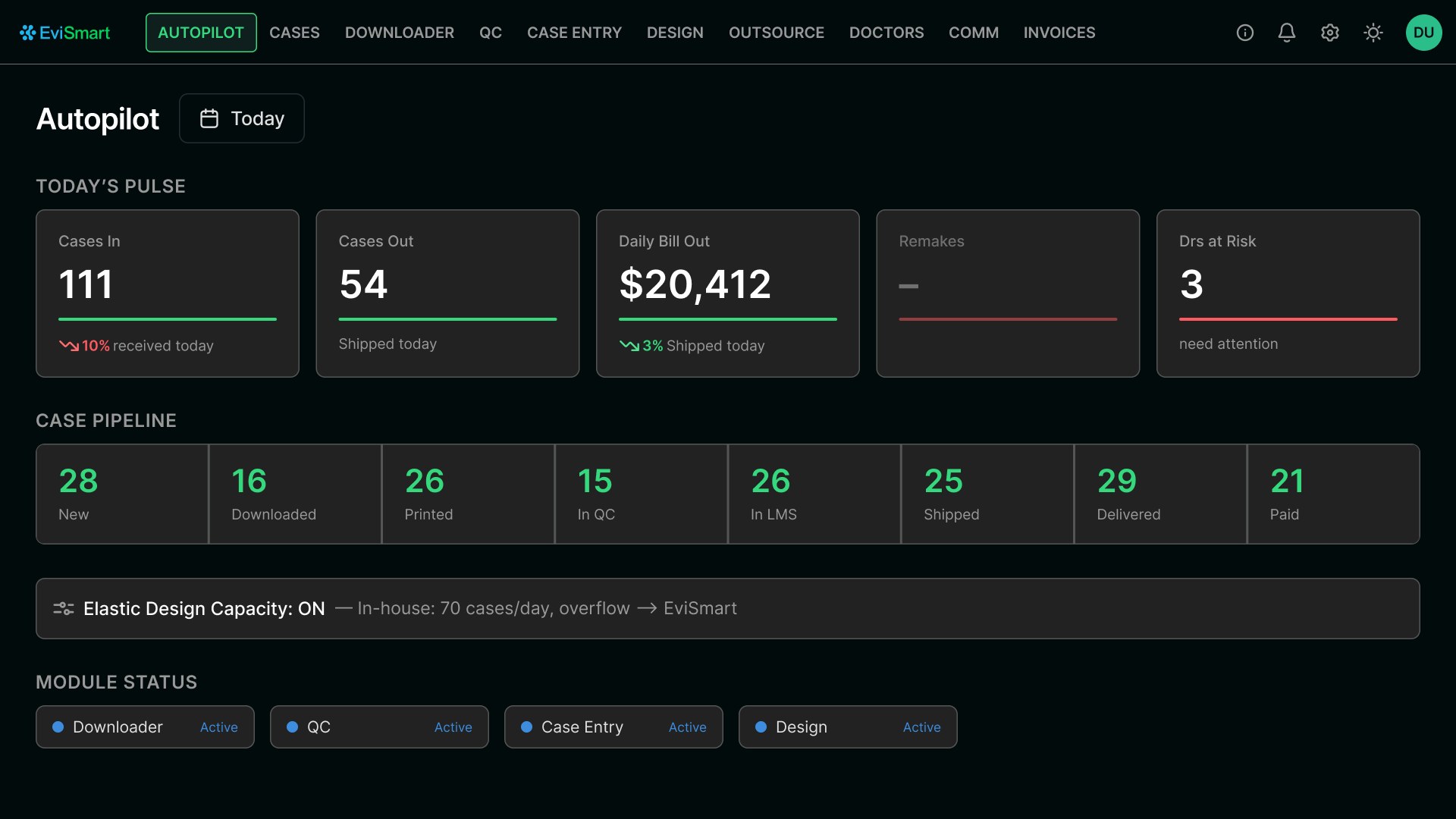
EviSmart Downloader dashboard showing downloaded cases by portal
02

Get production capacity on demand

Work with a dedicated design team built around your preferences, and get overflow capacity from designers you can trust.
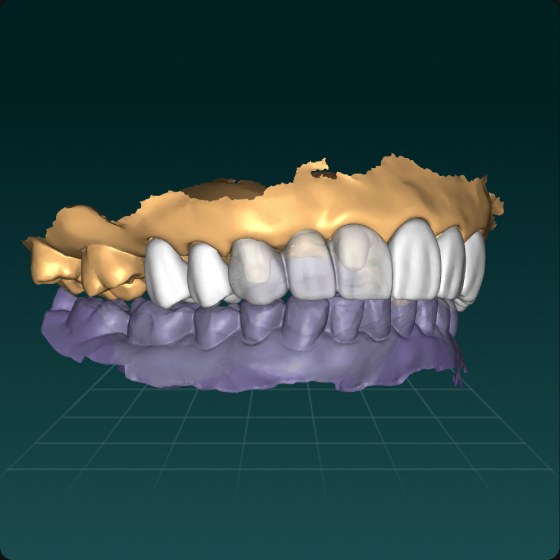
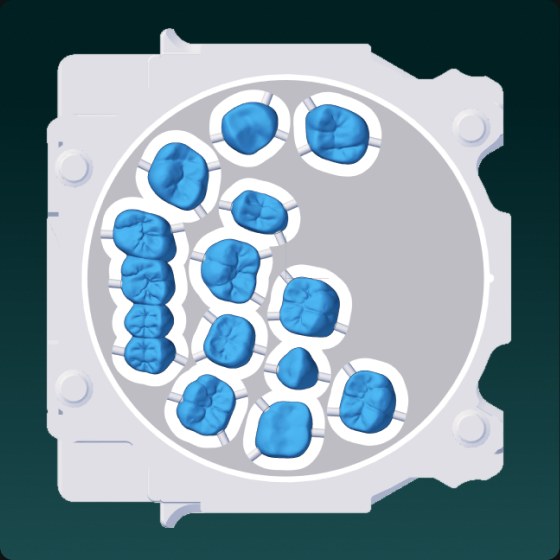
Crown designNested print plate
03

Keep Your Existing Software/Hardware

Case Intake Assistant connects to your existing LMS and CAD/CAM Software so you can avoid retraining.


The solution

There’s a better way to run your lab

EviSmart supports your lab from case intake through design and case management, taking repetitive work off your team while keeping them in charge of the decisions that matter.

Downloader

Automatically Download Scans and Case Files from IOS Portals

No more missed downloads. Downloader automatically collects all scans and organizes them by case.

  • Faster Case Intake
  • Fewer File Handling Errors
  • More Time for Production
QC

Checks Every Case for Missing or Unclear Instructions Before It Hits Production

Avoid delays, remakes, and technician frustration by having QC flag incomplete or confusing cases early.

  • Smoother Handoffs Between Teams
  • Faster Turnaround, Happier Clients
Case Entry

Automatically Create and Populate Cases in Your Lab Management Software

No more manual data entry or double handling. CaseEntry builds cases using synced Rx, scans, and notes, so every job starts complete, accurate, and on time.


  • Auto-Creates Cases, No Manual Input Needed
  • Faster Intake. Fewer Bottlenecks.
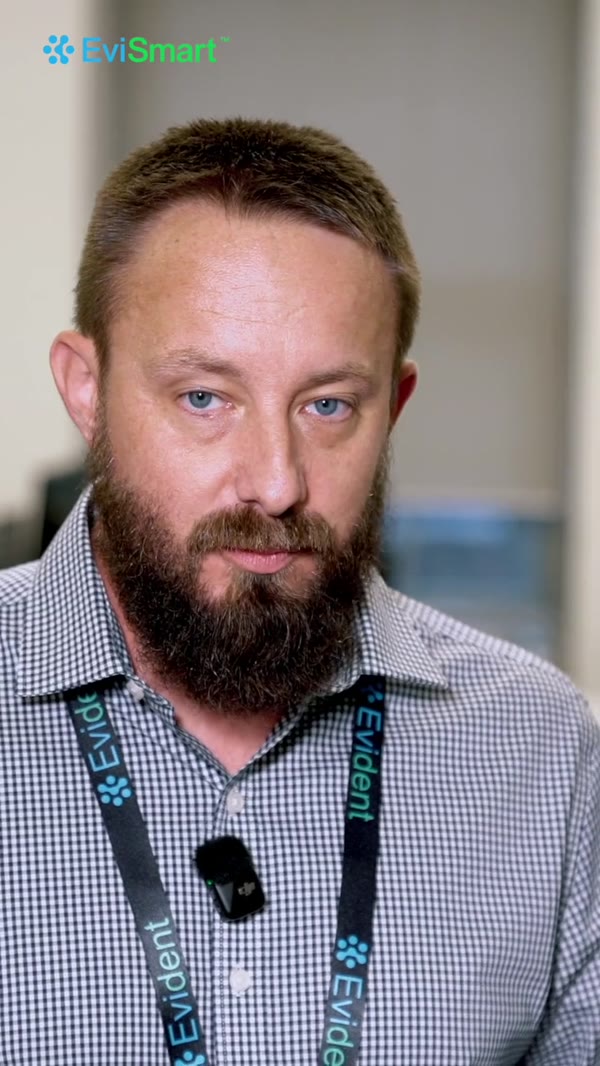
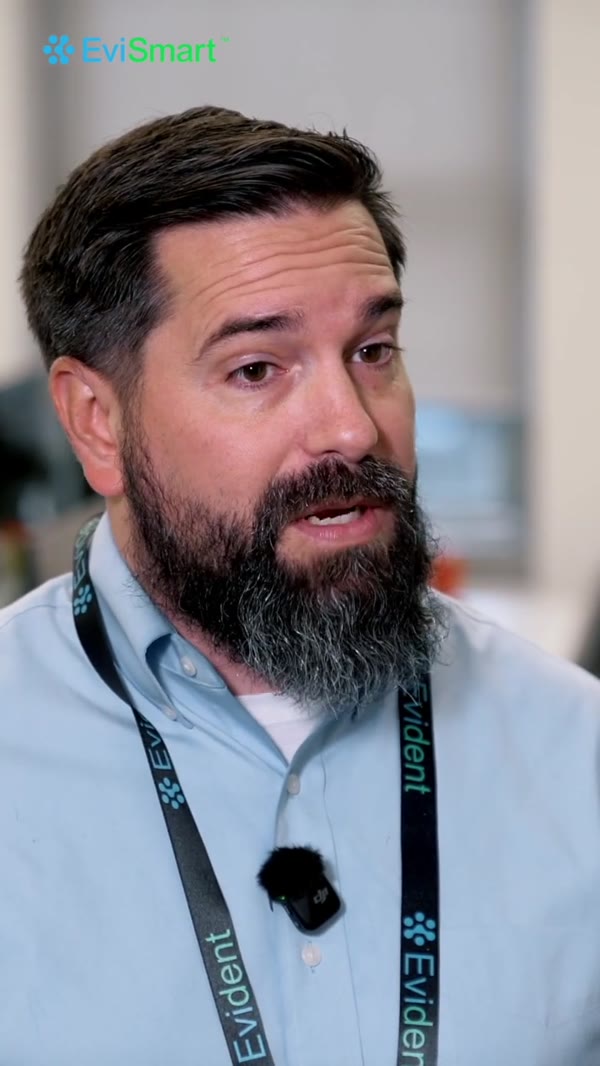
Joe Marriner, Lab Manager, testimonial about freeing staff time
The Biggest Benefit
The biggest benefit has been the freeing up staff to do more detailed tasks, provide better customer service, or having technicians focus on larger more dollar heavy case pans.
Joe Marriner
Lab Manager
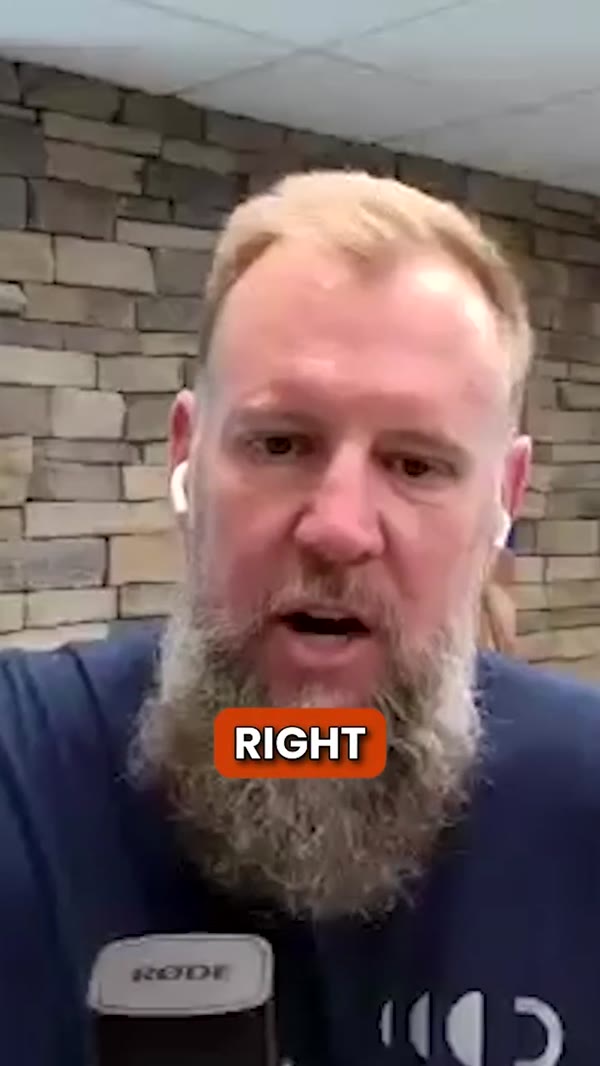
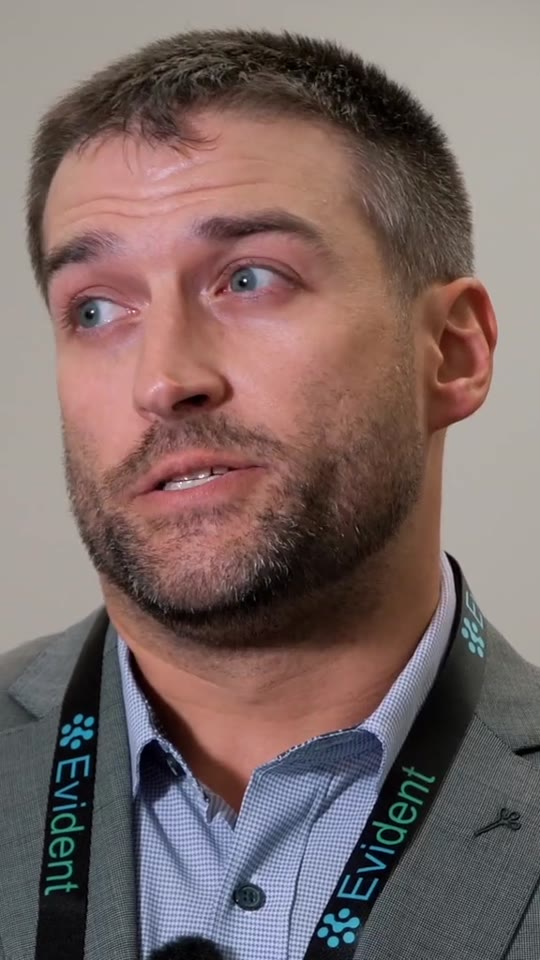
Mike Farago, CEO, testimonial about 100% case accuracy
100% Accuracy
We have not missed a single case from the portal since signing on with the system - 100% accuracy.
Mike Farago
CEO
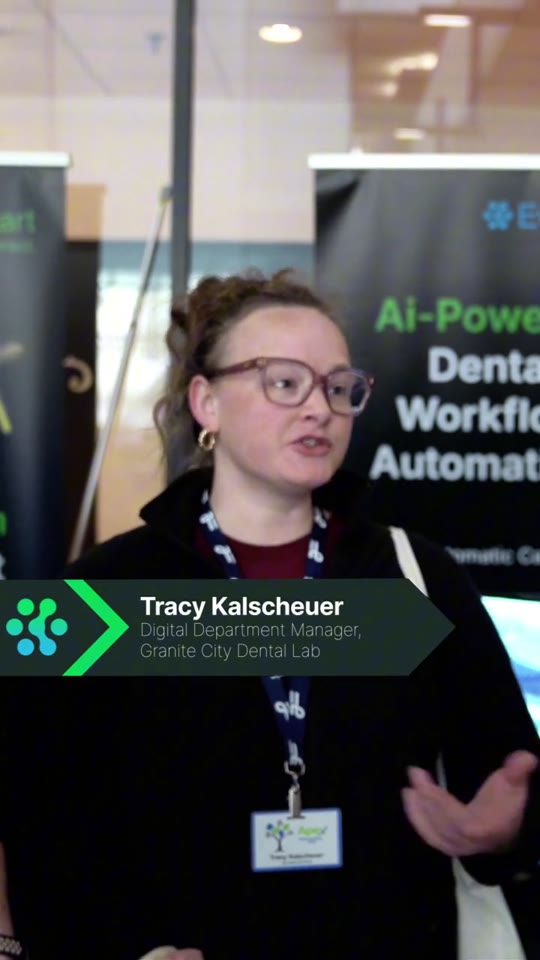
Calvin Song, Executive VP, testimonial about increasing speed and efficiency
Speedy and Efficient
Long hours of data entry and finding right employees. Since we found EviSmart, our workflow has become speedy and efficient.
Calvin Song
Executive Vice President
Brent West, President, testimonial about 30% increase in productivity
30% More Productive
Since we started using EviSmart, our production and profitability have improved by 30% and the stress level has gone down. I could not work without the EviSmart platform.
Brent West
President
Felix Chung, CEO, testimonial about increasing design capacity.
From Shortage to Strength
Unreliable design turnarounds and shortage of designing capacity....that has completely changed since we started using EviSmart.
Felix Chung
CEO & Owner
Dr. Jordan Noe, dentist, testimonial about incredible turnaround time and smooth transition from analog to digital dentistry.
From Analog to Incredible
The incredibly fast turn around time has enabled me to treat my patients in ways that were simply not possible in the analog world. EviSmart’s flexibility has been such a blessing to me, as a doctor, and to my patient base as a whole.
Dr. Jordan Noe
 
Dr. Grant Smith, dentist, KOIS partner testimonial praising EviSmart’s responsive support and expertise in nightguards, deprogrammers, and digital wax-ups
Trusted KOIS Partner
The EviSmart team is super responsive and an invaluable resource for my practice. They understand KOIS protocols and consistently deliver on nightguards, deprogrammers, digital wax-ups, and more. Highly recommend!
Dr. Grant Smith
‍
Dr. Ayaz Jafri, dentist, testimonial highlighting how EviSmart improves practice efficiency, patient focus, and delivers quick turnaround for better care
Game-Changer for My Practice
Since partnering with EviSmart, my practice is more efficient and patient-focused. Their quick turnaround and teamwork are a game-changer for dentists looking to elevate their care.
Dr. Ayaz Jafri
‍

Works with the tools you already use

ASIGAexocad3ShapeMeditShining 3DDEXISFormlabsLuxCreo3DISCCarbonArgenZimmerAckurettaStratasys

Get the freedom to grow your lab.

More time for your team. More possibility for your business.

Good questions.
Straight answers.

Want to talk about your lab’s workflow?

Book a call
What does the Case Intake Assistant do?

It does the work between the portal and the bench. Downloader pulls every case off your scanner portals and files it. QC checks the scan and the RX before a technician opens it. CaseEntry books the case into your LMS under your own customer and product codes. Your front desk opens a case that is already downloaded, checked and booked.

Which portals do you connect to?

18+ today, including iTero, 3Shape, Medit, Sirona, Dexis, DS Core, AXS, Dentira, Shining 3D, ASConnect, DDX, Freqty, CS Connect, EasyRX, Heron Cloud, 3Disc Cloud, AlliedStar, Panda, Ori, Aidite, Sezona and ABS. If a portal is not on the list, custom solutions are available for an additional fee.

Does downloading a case mark it as accepted in the portal?

You choose. Some labs want the portal marked the moment the file lands so nobody downloads it twice. Others want it marked only when a person opens the case. We set it the way your front office works.

Does it print the RX?

Yes. RX forms go to your network printer as the case downloads, so a case walks to the bench with its paperwork instead of waiting for someone to print it.

What do the files look like when they land?

You can configure how you want the case downloader to format your case files. They arrive renamed and sorted by case number, doctor name and patient name, into a folder you choose. Zipped or unzipped, your call.

What happens if our lab loses power/ our computer gets disconnected?

Cases keep being collected. Our server pulls from your scanner portals continuously, whether or not your machine is on — during an outage it simply holds everything it collects. When your PC comes back up, the whole backlog from that window transfers across on its own.

What does QC actually check?

Our AI automatically checks the RX fields for any missing information, then cross-references the dentist's notes against the RX fields and corrects the prescription according to the notes.

Which lab management software do you work with?

We provide an automated solution for the lab management software you currently use. Labs run it on LabNext, Magic Touch, Great Lab, LabTrac, Sezona, 3Shape and others. You keep the system your team already knows, which means no retraining and no switching cost.

Can you handle the way our lab does things?

Most of it, yes - product codes, customer codes, doctor preferences, folder structure, file naming, which fields map where. Some customizations carry an additional implementation fee. Ask for the specific one you need rather than assuming either way.

How long does setup take?

Our case downloader can be live and fully functional within 72 hours, while Full QC and CaseEntry can take up to a few weeks, as the AI requires time to train on your data and processes. Our onboarding team will put together an implementation timeline that works best for you.

What if our LMS has no API at all and the vendor won't open one?

We can provide an agentic solution that books cases the way a person does, which needs no API.

Where do our files actually go?

During onboarding, you can configure where you want Case Intake Assistant to store your files, whether it's on a local folder on your front desk's computer or a cloud folder your entire team can access.

Do we have to hand over portal usernames and passwords?

We need access to the portals to download from them. Say so if that is a hard line for your lab and we will talk through what access looks like before anything is set up, not after.

What can we do with our admin staff?

That's for you to decide. Most labs will repurpose admin and data entry staff by cross-training them for customer support, marketing, or other roles that drive revenue. EviSmart gives you back 3-5 hours per day, helping you scale without needing additional hires to keep up with the volume.

What training does my team need?

It is built on the LMS they already use, so there is no new system to learn. The change is that the case is already in there when they open it.

What does it cost?

Pricing is a fixed monthly subscription fee based on the solution your lab requires, so as your volume increases your cost-per-case decreases.

What support do we get after go-live?

You will be assigned an account manager as well as a customer success team that will meet with your team regularly to ensure your onboarding goes smoothly

How do we know it worked?

You can view everything Case Intake Assistant touches through the EviSmart Command Center and monitor the health of your automation.