
Good News!
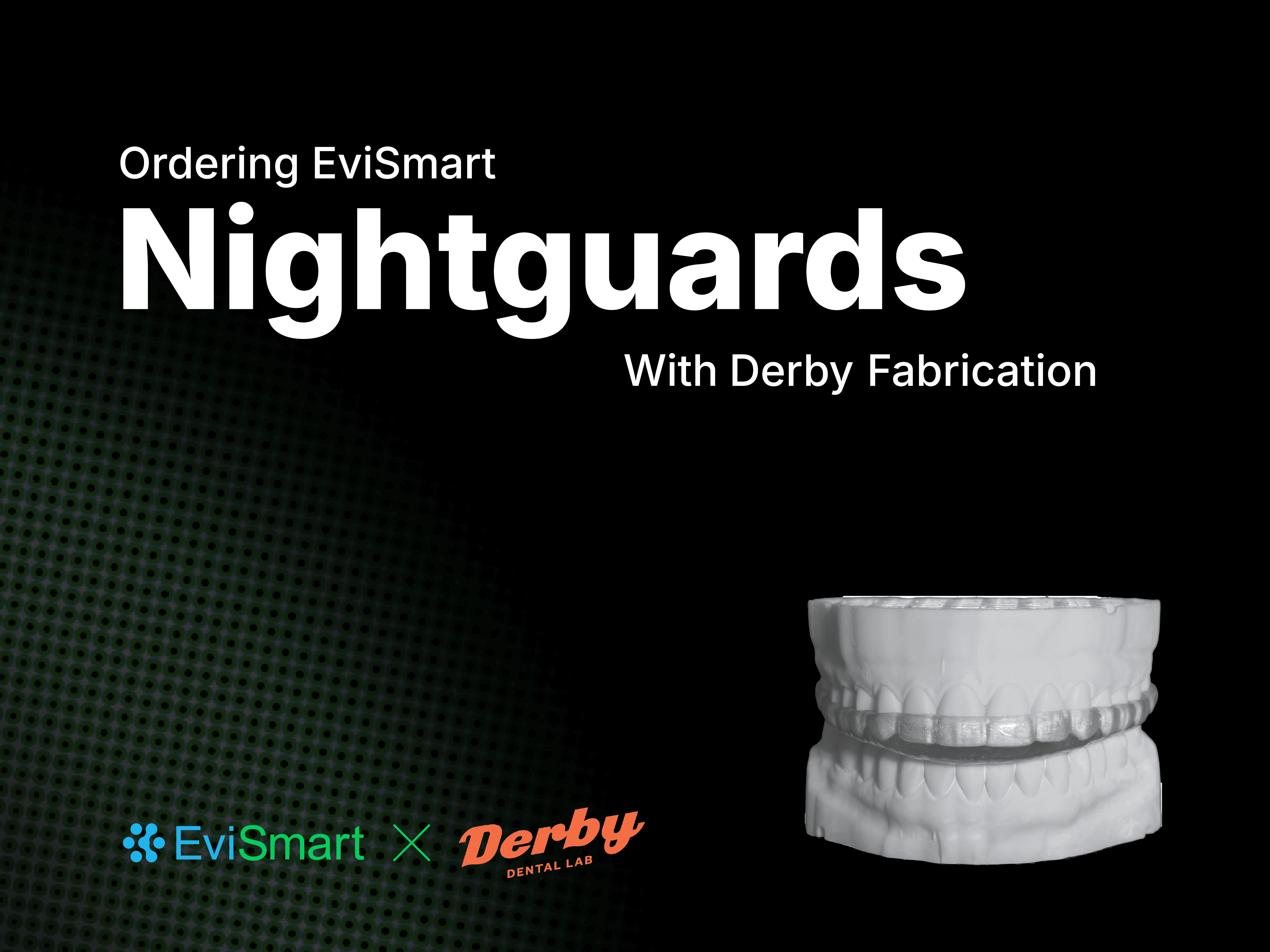
You can now get your EviSmart Nightguard designs fabricated with our preferred fabrication partner, Derby Dental Lab.
Derby Dental Lab has been providing solutions for both labs and dentist for decades which gives them unparalleled experience in manufacturing on demand.
Where derby stand out is in their forward-thinking attitude and ability to move quickly, with one of the fastest turnaround times in the industry. They operate like a tech company, having built the systems to cater to dentists and labs needs on demand, whilst maintaining their signature aesthetic and providing world-class results.
The EviSmart X Derby end-to-end outsourcing partnership was designed to provide clinicians with a faster turnaround and give them control over the entire outsourcing process.
By integrating Derby's top-tier fabrication with EviSmart's precise design capabilities, dentists gain certainty about the fit of their cases and enjoy the quickest delivery times the industry has to offer.
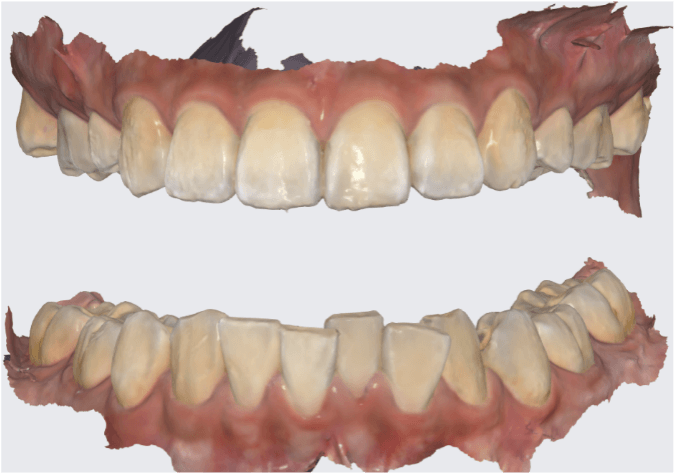
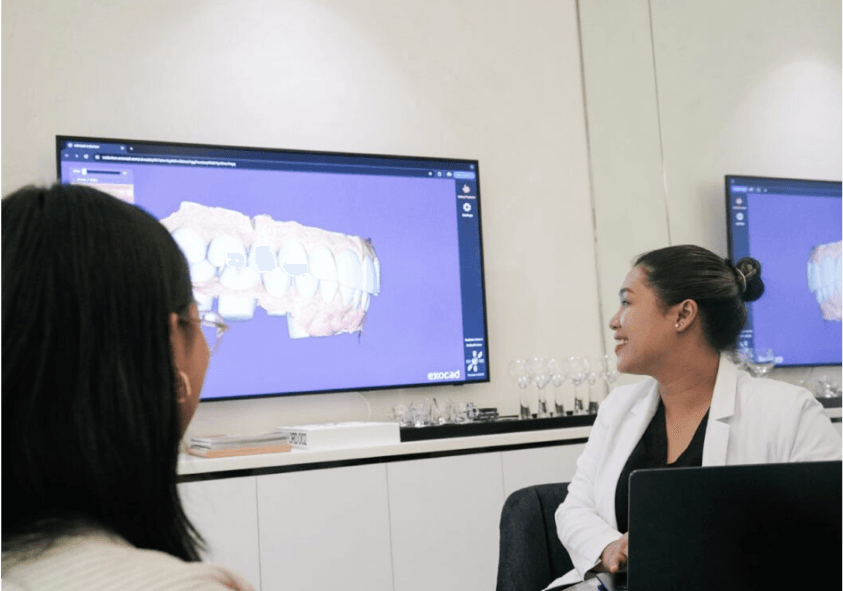
Intraoral scans create a digital mold of your patient’s mouth. Three scans are required to ensure comprehensive and accurate data for treatment planning:
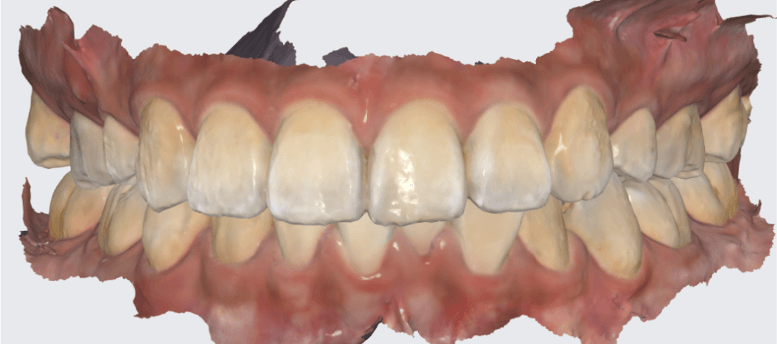
To ensure you have everything you need, collect the following information:
Once you have compiled all this information, you are ready to submit the case to Evident for the nightguard.
Visit Evidentdigital.com to log in or create an EviSmart account.
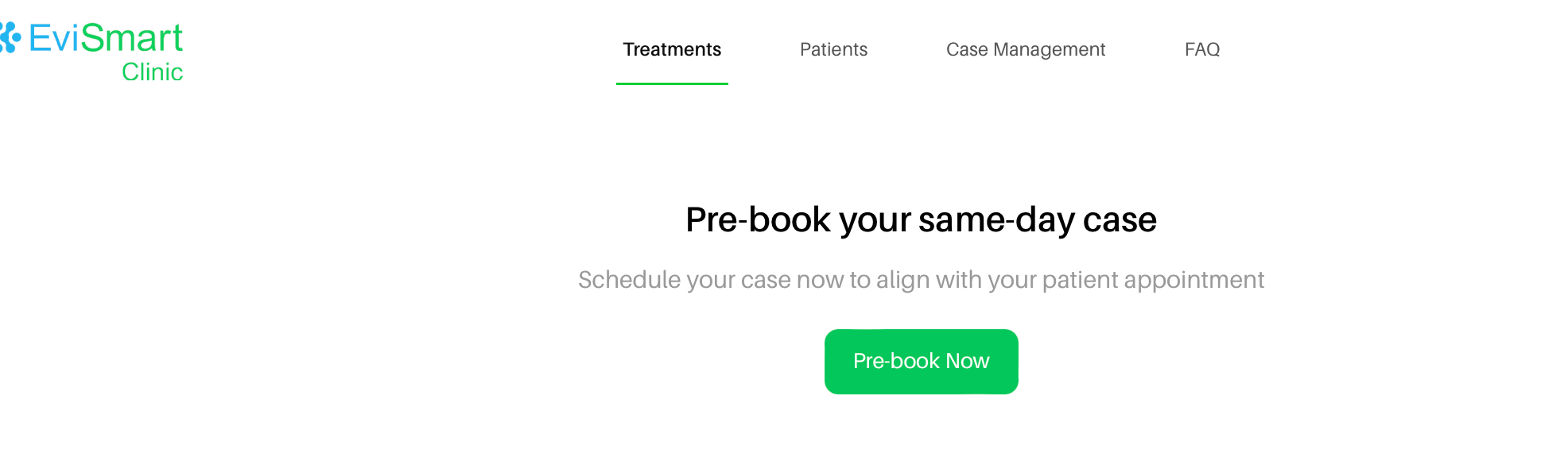
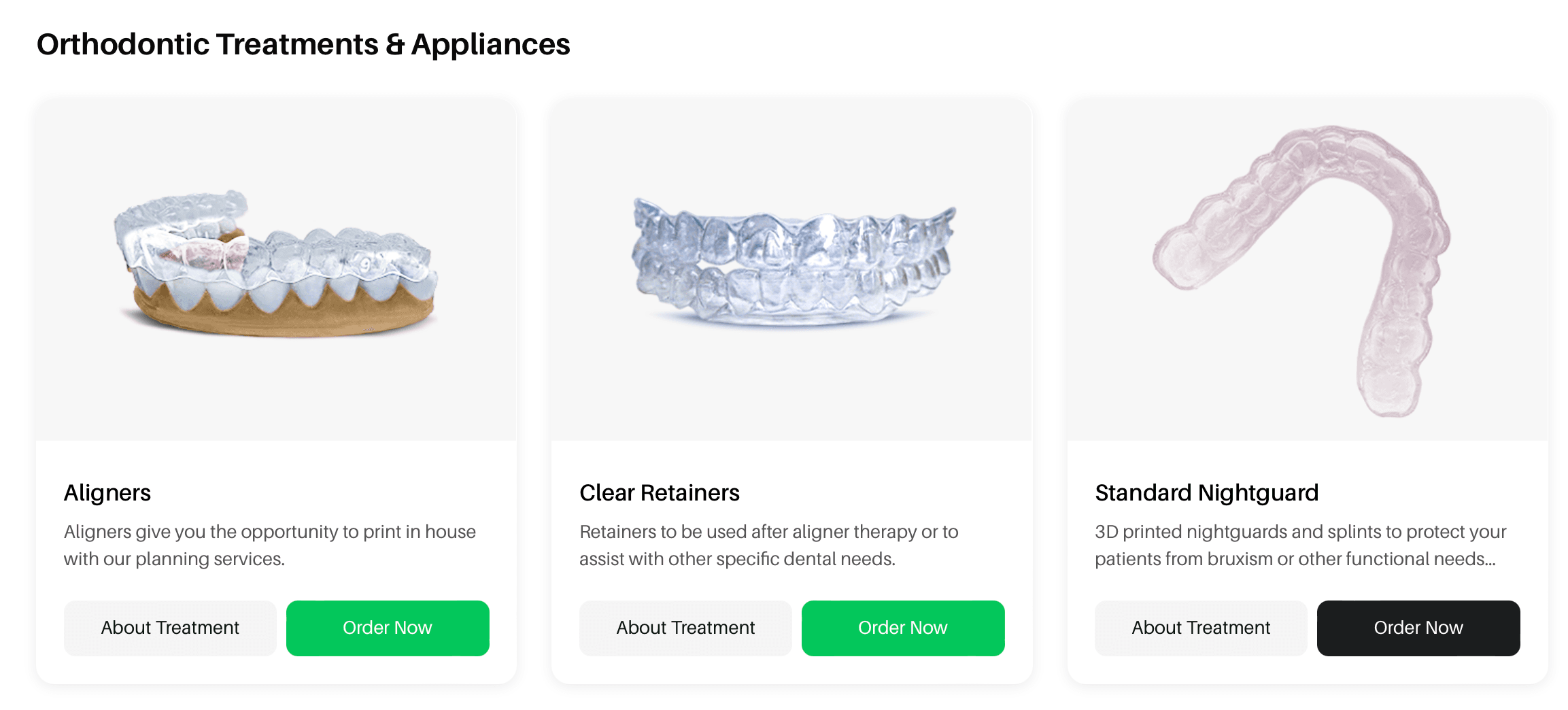
On the "Treatments" page, scroll down to the "Orthodontic Treatments & Appliances" section and click "Order Now" under the Standard Nightguards tile, then click "Proceed to Order".
This guided ordering form ensures that the vision of both the patient and the doctor is precisely communicated to our design team. You can choose to rush this case to get your designs back as soon as possible (2 - 5 hours).
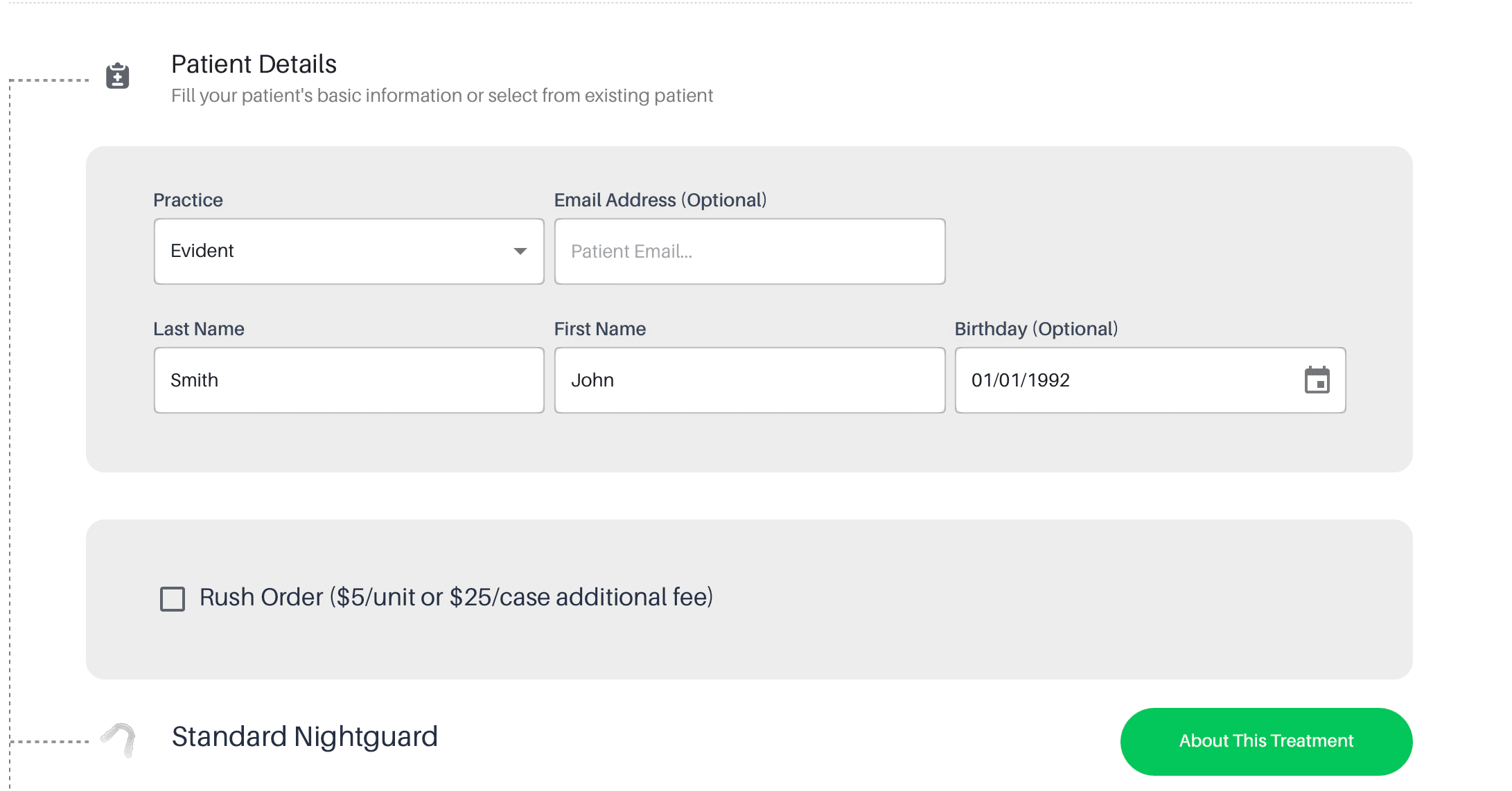
Once you've filled in your patient and practice information, follow these steps to complete the form:
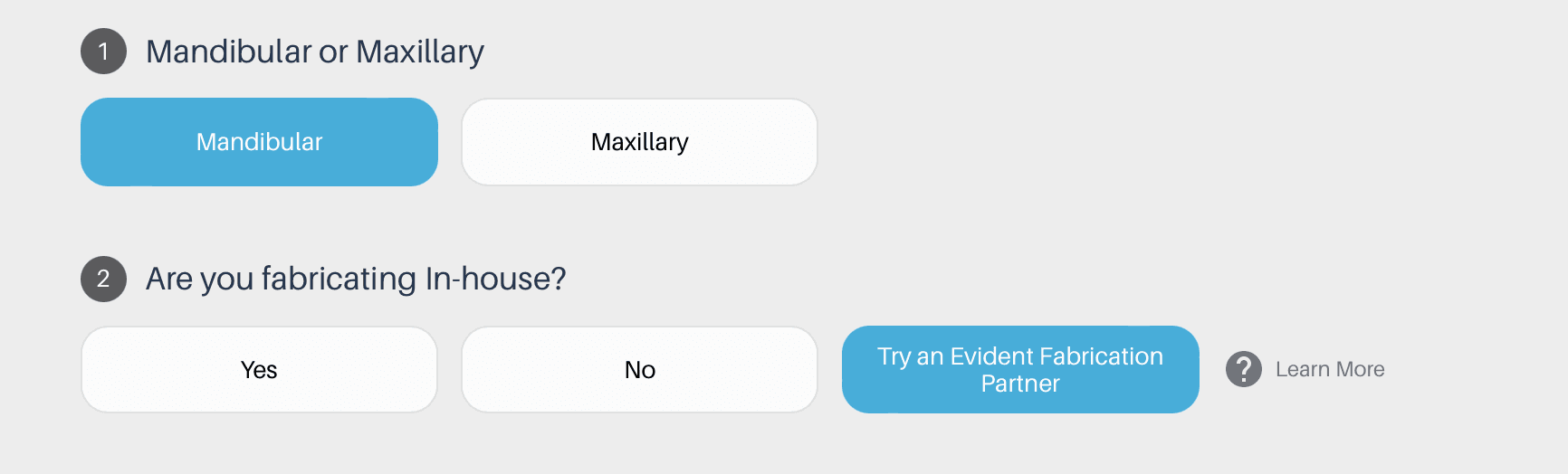
1. Mandibular or Maxillary:
Indicate whether the nightguard is intended for the mandibular (lower) or maxillary (upper) arch.
2. Are You Fabricating In-House?
To opt in for Fabrication by Derby Dental Lab, select "Try an Evident Fabrication Partner"
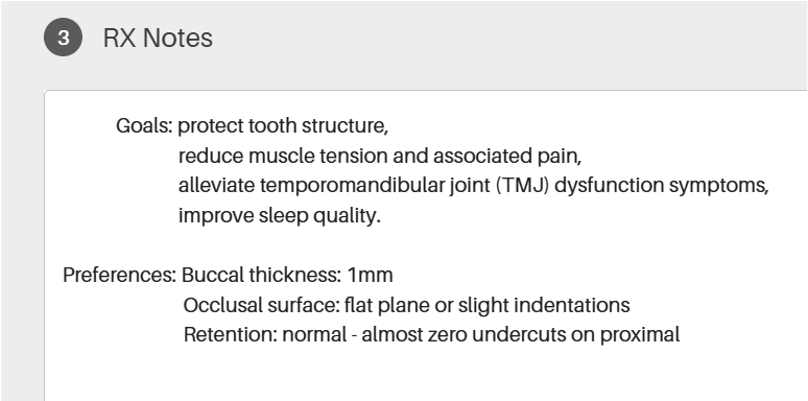
3. RX Notes
Leaving RX notes helps our designers achieve your desired results. It’s best to provide detailed and straightforward instructions with the following components:
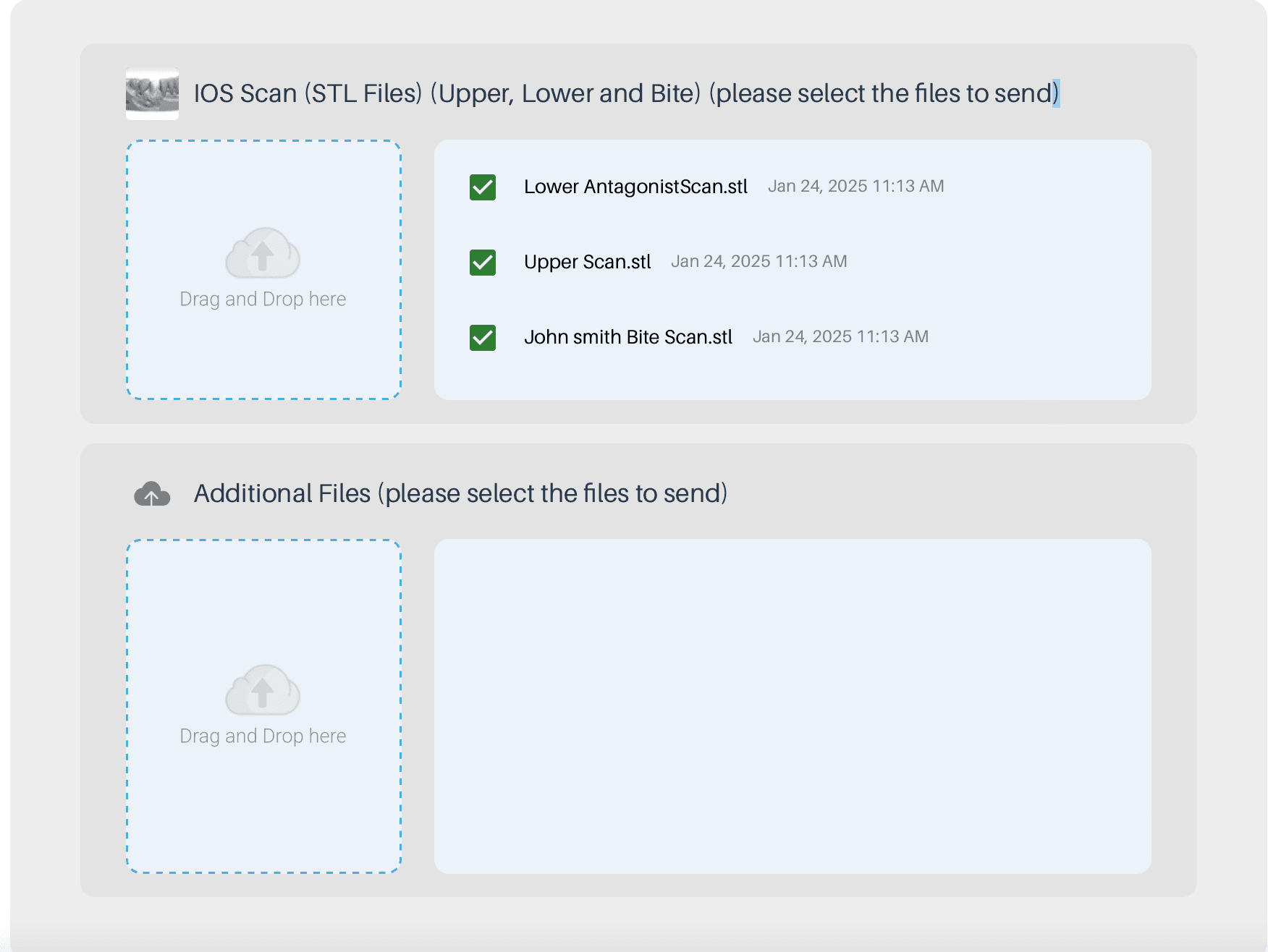
5. Upload The Required Scan Files (STL/PLY)
Drag and drop the upper, lower, and bite scans into the order form and check the boxes.
6. Review.
Ensure all information is accurately filled out and all required files are uploaded. Click Proceed to submit the form.
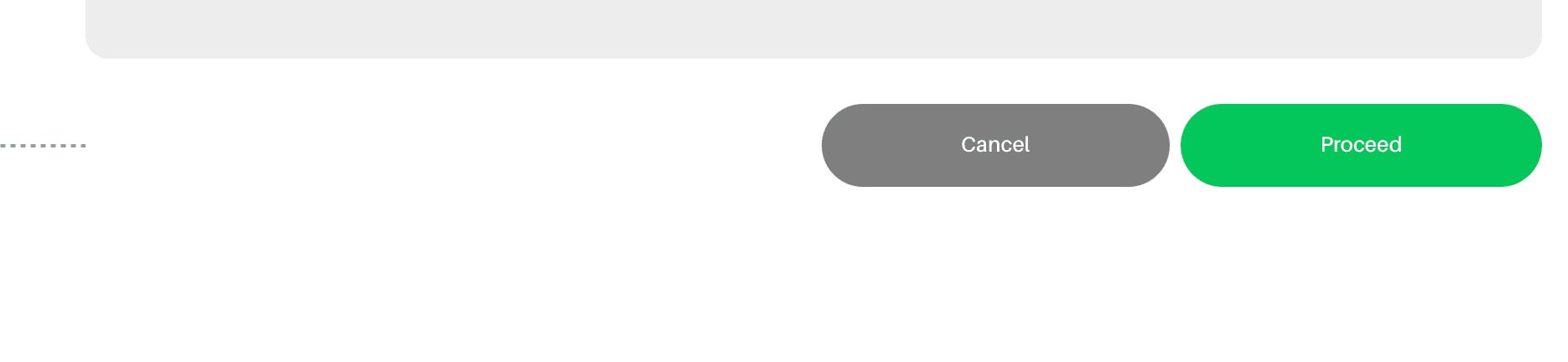
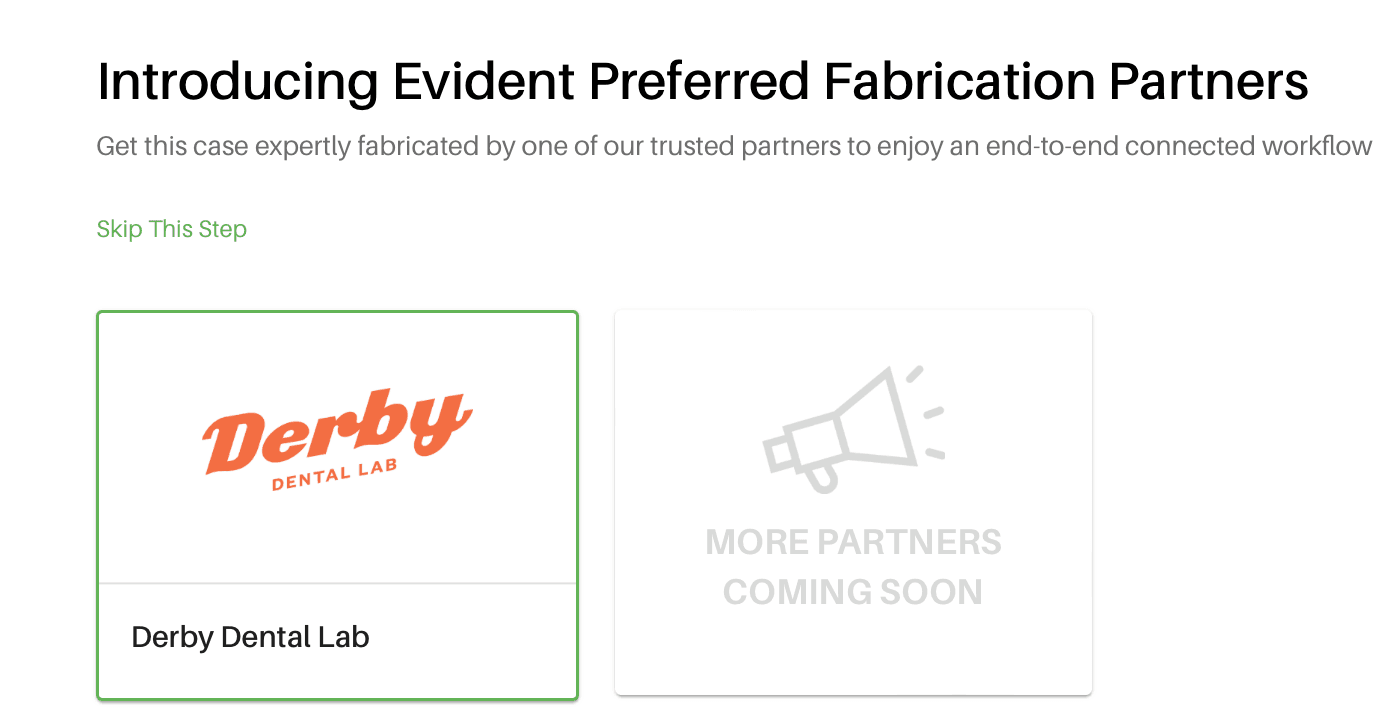
7. Select "Derby Dental Lab" As Your Fabrication Partner.
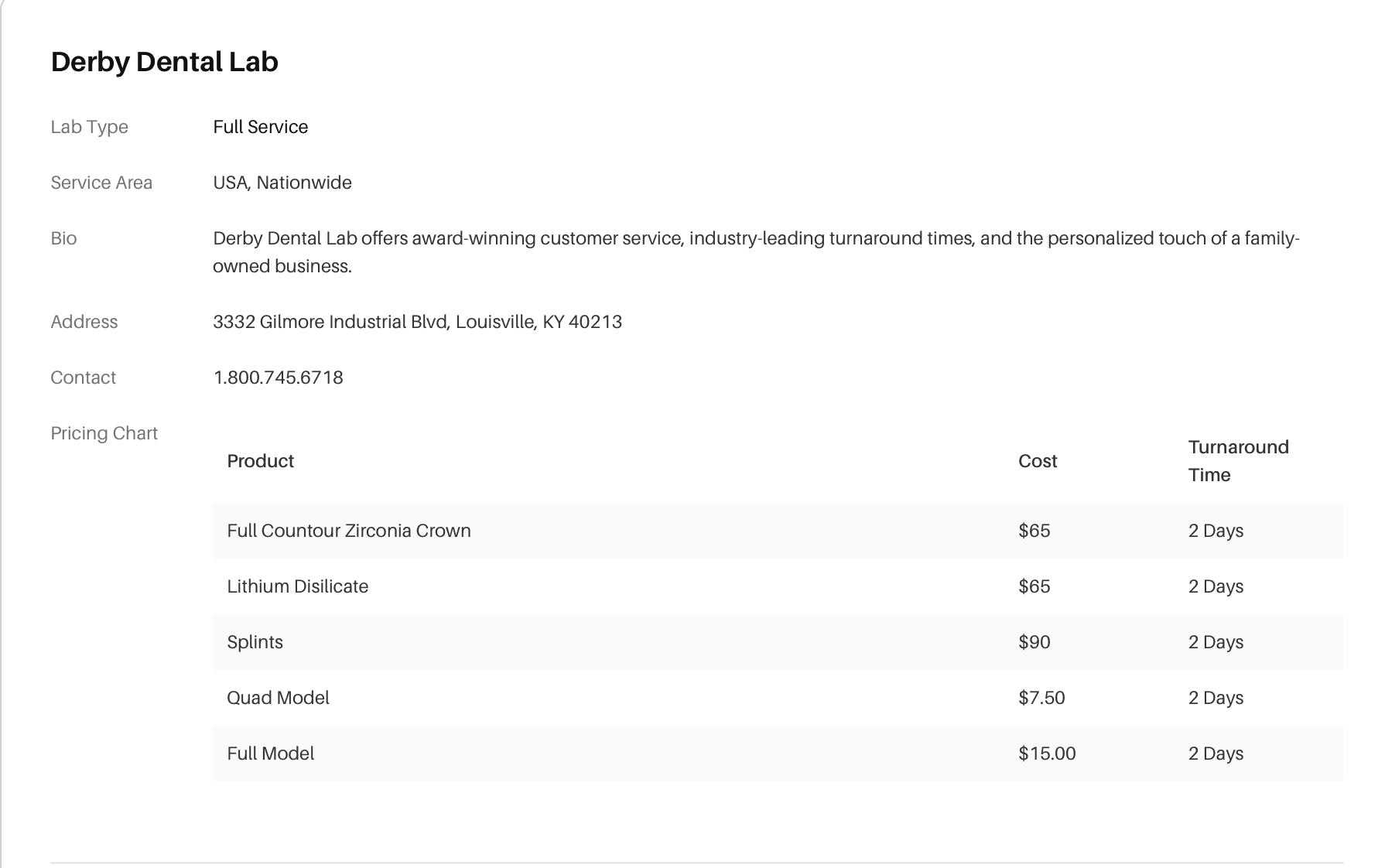
Review Derby's pricing and product offerings.
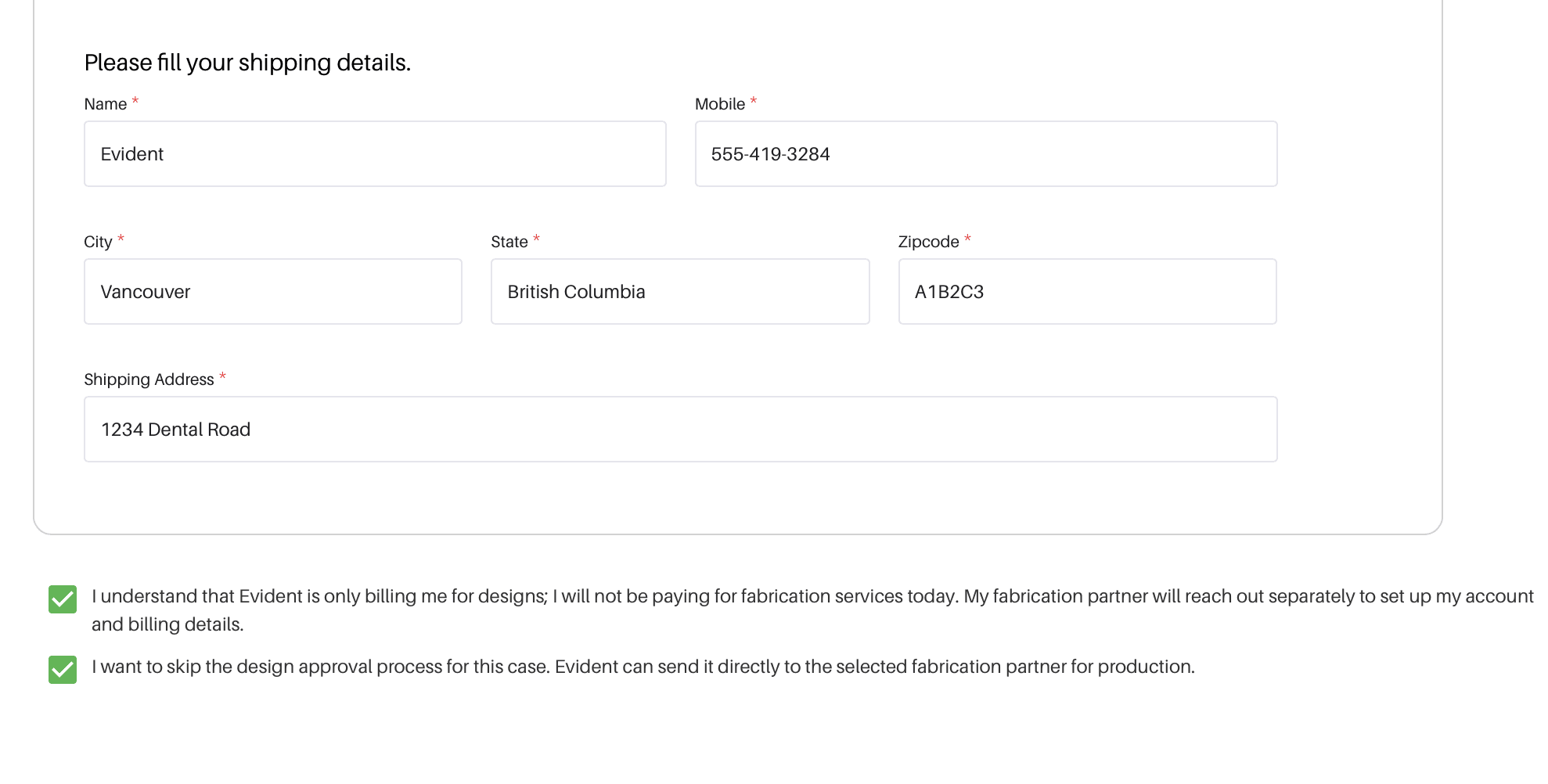
8. Fill in Your Shipping Information
Fill in the following details, then click "proceed":
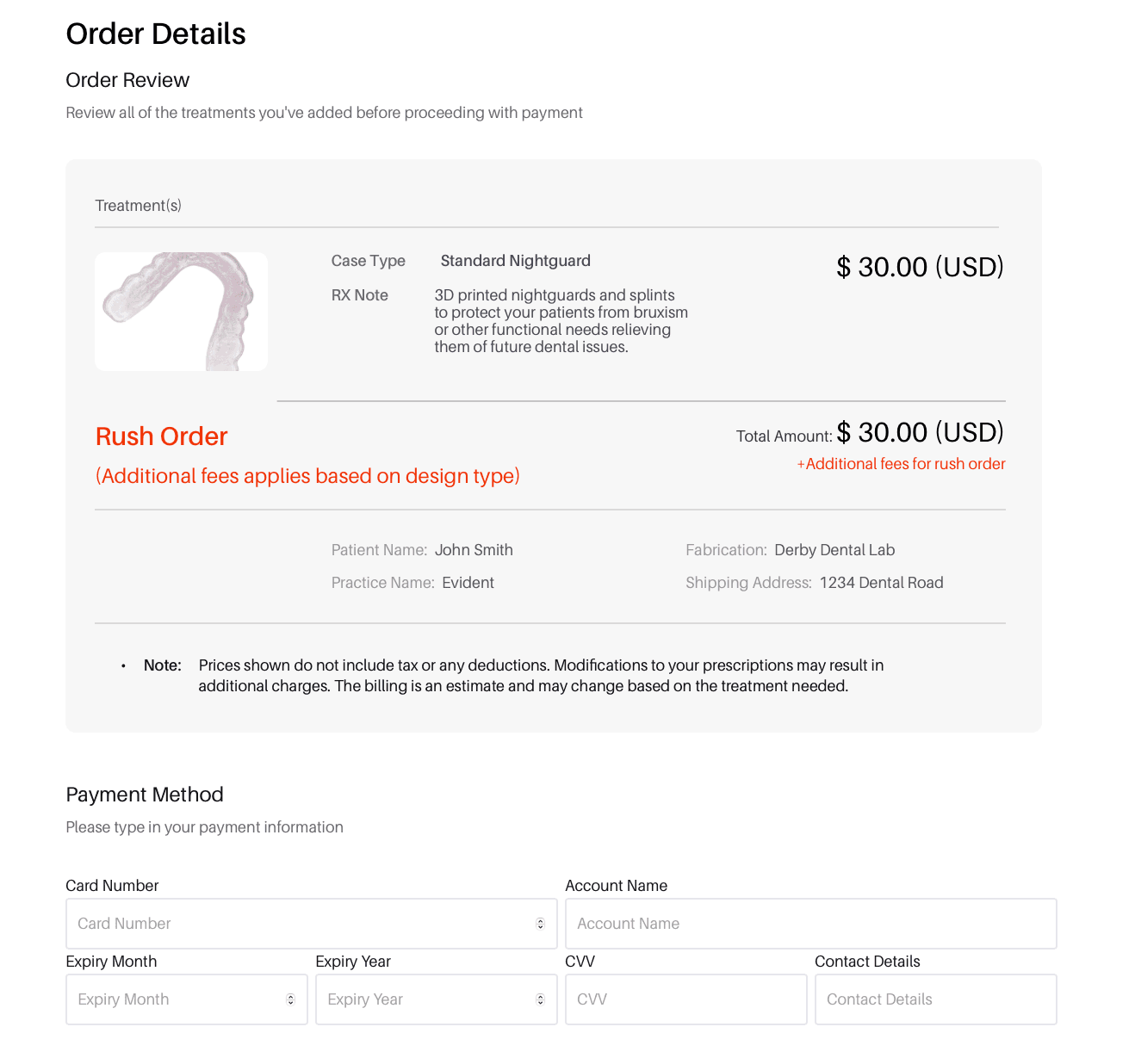
9. Review Your Order Details, and Fill In Your Payment Information
Review your order details to ensure all the information is correct, then input your payment information and click "proceed".
To stay informed about the progress of your designs, you can track and communicate with your designer through the Case Management section.
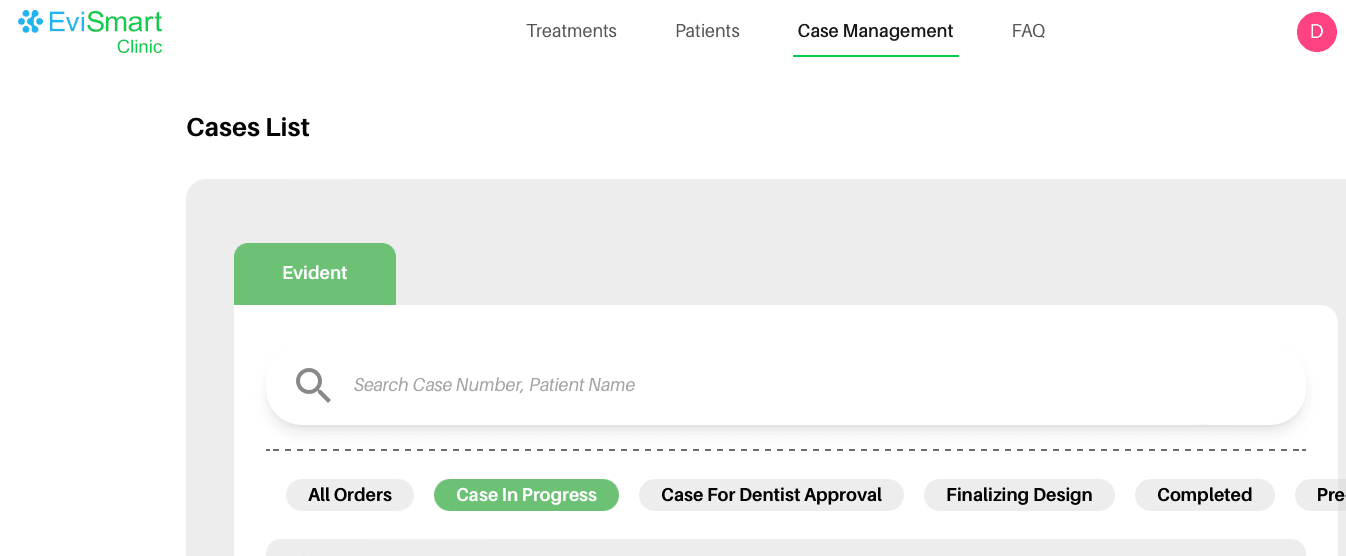
If you have questions or need to share details, easily send messages to your designer in the Case Management section.
If you have any questions about the process, feel free to contact Evident Support.
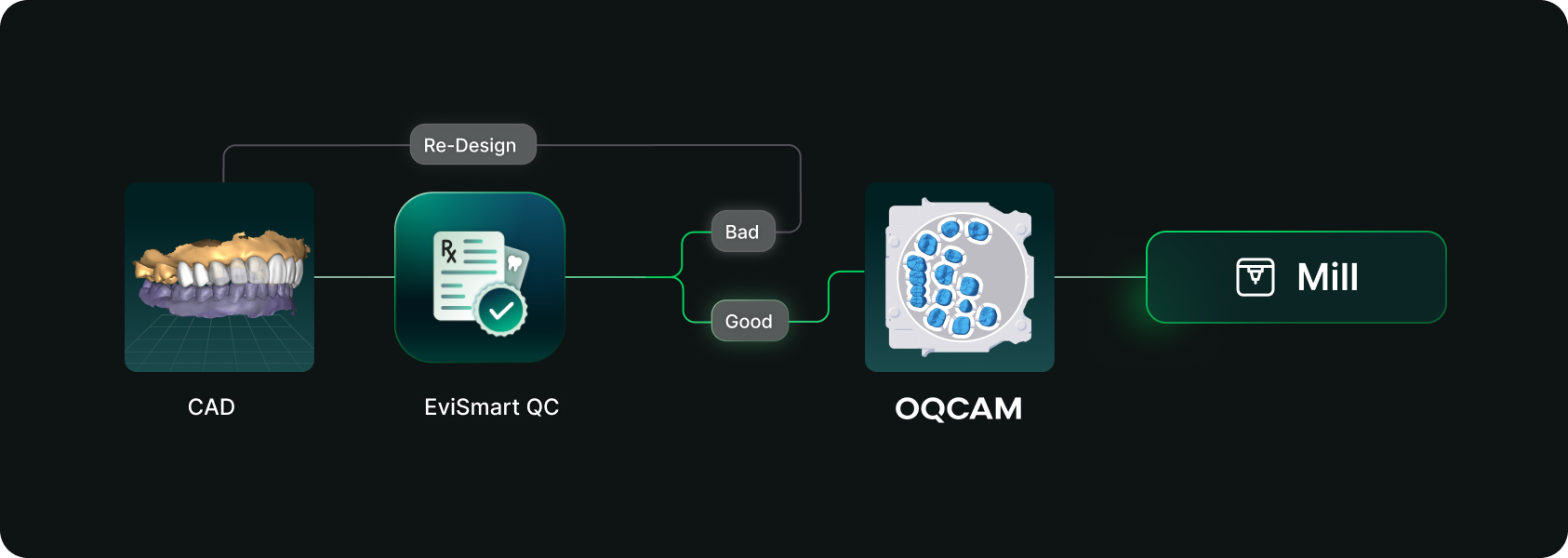
Designs you order from EviSmart arrive in your Oqcam already formatted. Named the way your nesting rules expect, with shade and material attached, and pointed at the machine that case belongs on.
The routing is decided per case. An implant case sends the crown to the mill and puck you cut implant crowns on, and the model to the printer you print models on. Different case types, different machines, chosen automatically rather than by a tech working through a dropdown for every file.
The trigger is QC approval. EviSmart designs your cases your way. The same team works on all your cases and learns what a good case looks like to you. Once your case passes our QC, it triggers a greenlight to send the design directly into your Oqcam account in under a minute.
Once the file arrives in your Oqcam, all your CAD/CAM technicians can review the nested design before starting the mill. That final QC step does not change and is not meant to.
Setup is one session. We connect your Oqcam account and agree where each of your products should go, using the routes and materials you have already built there. Nothing new to create, and you only revisit it if something changes.
Automatic sending only works if you trust what is being sent. Once a case is nested it gets cut, and a design that was not right is wasted material.
You choose what flows. During setup we map only the case types you want moving on their own. Anything unmapped never sends. It waits for you exactly as it does today.
Most labs start narrow. Bread and butter work first, night guards and posterior single units, then widen once they have watched it run for a few weeks. The lab that has been live longest started exactly there and has added case types since.
Your approval stays. This removes the file shuffling between design and CAM. It does not remove your eyes from the build.
For labs outsourcing design work the math gets compelling somewhere north of 30 cases a day into nesting, because that is where the handoff stops being an annoyance and starts being a role.
Not touchless design. Touchless handoff. Every step in that chain that requires judgment should keep requiring judgment, and every step that never did should stop requiring a person.
Nesting requires judgment. Confirming a build requires judgment. Renaming a file so software can read it does not, and never did. It was a workaround that quietly became somebody's job.
Nobody pays you to rename files.




